The Future of Scaling: Mastering WhatsApp Automation in Sri Lanka
Imagine it’s a busy Friday afternoon. Your digital marketing campaigns are hitting the mark, and your phones are exploding with messages. Dozens of potential customers are flooding your business WhatsApp account at the exact same time.
“Can I see photos of the blue linen dress?” “What are the pricing plans for your software?” “Can you send me the product catalog?”
If your sales team has to manually find files, copy-paste pricing sheets, and type out individual replies to hundreds of people every day, your growth is hit by a massive bottleneck. In Sri Lanka’s fast-paced digital landscape, if you keep a warm lead waiting for more than 10 minutes, they will close your chat and buy from a competitor who answered faster.
But what if your messaging app could think, act, and work for you?
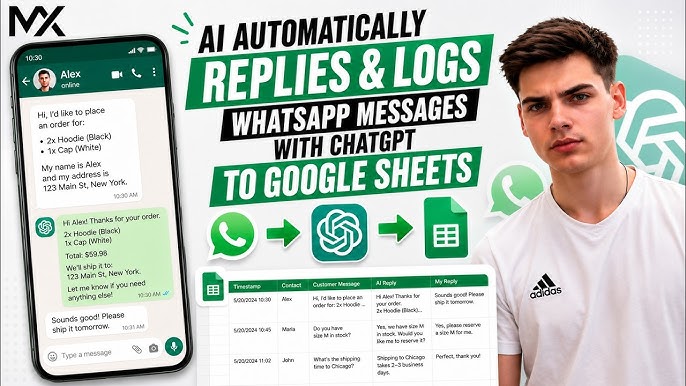
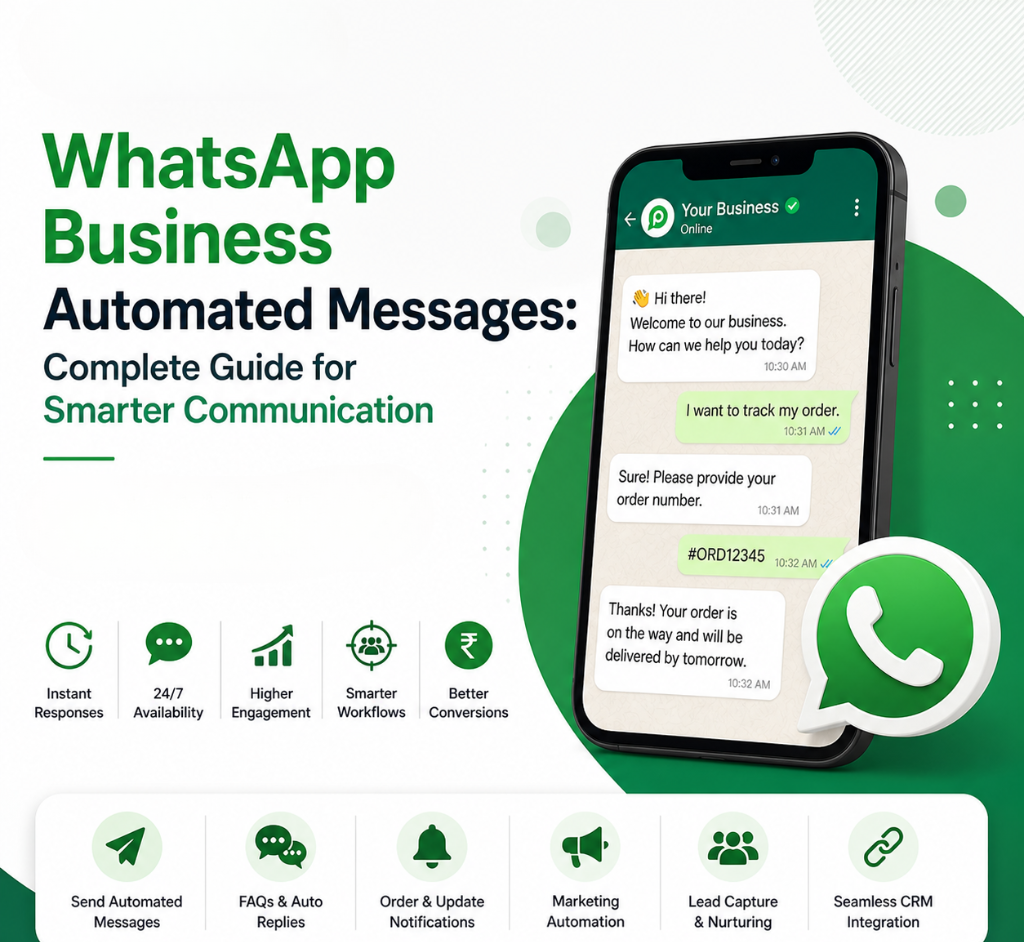
By implementing advanced WhatsApp automation in Sri Lanka, you can transform your regular business number into an autonomous, 24/7 worker. Using powerful backend engines like n8n workflow automation, you can connect WhatsApp directly to your core business data and run your entire sales pipeline on complete autopilot.
How n8n Workflows Supercharge Your WhatsApp
Most business owners think automation just means setting up standard “Away Messages.” That is old technology. With custom n8n workflow automation, we build intelligent digital pathways that connect the official WhatsApp Business API straight to your internal databases, cloud storage, and CRM platforms.
When a customer sends a message, n8n acts as the brain behind the curtain, instantly executing complex tasks within seconds:
Instantly Dispatches Media and Product Specs
If a customer asks about a specific product, n8n scans your database, grabs the exact product description, fetches the correct photos or PDF catalogs from your cloud storage, and delivers them beautifully inside the WhatsApp chat instantly.
Automated Real-Time Pricing Retrieval
No more checking spreadsheets manually. If your pricing changes dynamically or you utilize foreign and local rate cards, n8n checks your live management system and accurately quotes the current price right away.
Instant Lead Routing to Marketing Managers
The moment a customer leaves their name, email, or specific requirements in the chat, n8n instantly captures that data. It formats the lead neatly and drops it straight into your CRM or sends an immediate notification directly to your Marketing Manager, ensuring your team can jump on high-value deals instantly.
Powerful Marketing and Sales Use Cases for WhatsApp Automation
Beyond basic customer inquiries, connecting WhatsApp to n8n workflows opens up an entirely new world of automated marketing and sales strategies:
- Abandoned Cart Recovery: If a local shopper leaves items in their online cart without checking out, an automated n8n workflow can trigger a personalized WhatsApp reminder 30 minutes later, offering a sweet discount code to seal the deal.
- Interactive Product Quizzes: Guide users through a fun, automated chat quiz (e.g., “What is your skin type?” or “What is your budget for an AI tool?”) and automatically pitch the perfect matching product right inside the app.
- Post-Purchase Feedback & Reviews: Automatically follow up with a customer 3 days after a delivery to ask for a rating, seamlessly logging their feedback directly into a Google Sheet for your quality control team.
- Broadcast Campaigns with High Open Rates: Move away from low-performing email newsletters. Use official Meta-approved templates to broadcast seasonal promotions or flash sale alerts directly to opted-in customer lists with an average 90%+ open rate.
💬 Experience the Power: Get Your Free WhatsApp Demo
Stop wasting hundreds of hours on manual data entry and repetitive copy-pasting. Let us build custom, intelligent n8n workflows that put your business growth on complete autopilot.
Want to see a live demonstration right on your phone? Click the link below or message us to chat with our automation team.
👉 Click Here to Contact Taskforce AI on WhatsApp for a Free Demo or call our official hotline directly at +94 77 669 7566.
Why Sri Lankan Brands are Moving to Autonomous Workflows
Relying on human labor to manage conversational data is no longer scalable. With smart workflow automation, you ensure that zero leads slip through the cracks, your business answers inquiries perfectly at 2:00 AM, and your sales managers receive highly qualified, pre-vetted leads on a silver platter. Take your hands off the keyboard and let tech do the heavy lifting.
Frequently Asked Questions
1. What is n8n and how does it help with WhatsApp automation in Sri Lanka?
n8n is a powerful, highly customizable workflow automation tool. It acts as a bridge between your official WhatsApp Business API and your other business systems (like Google Sheets, Shopify, CRMs, or databases). It allows us to program complex logic—such as fetching photos, updating inventory, or sending instant lead alerts to your marketing team automatically based on what a user types.
2. Can n8n send actual images, media files, and PDFs automatically on WhatsApp?
Yes, absolutely. Unlike standard text bots, n8n workflows can easily pull media files, high-resolution product images, location pins, and PDF brochures directly from your cloud storage (like Google Drive) and send them seamlessly to the customer in real-time.
3. Will using advanced automation get our official business number banned?
Not when it is built correctly. At Taskforce AI, we build workflows utilizing the official WhatsApp Business Cloud API provided by Meta. This is the legitimate, compliance-approved method for businesses, ensuring your number is completely safe from bans, unlike unofficial, illegal message-scraping tools.
4. What happens if a lead wants to speak to our actual marketing or sales manager?
Our workflows are built with seamless human hand-off protocols. The moment a customer asks a highly specific question, clicks a “Speak to Executive” option, or shows intent that requires human negotiation, the automation instantly stops and alerts your team via email, WhatsApp notification, or CRM update so a real manager can step in.
5. How long does it take for Taskforce AI to deploy a custom n8n WhatsApp workflow?
Depending on the complexity of your backend integrations (such as connecting to custom websites or internal ERPs), a fully tailored, production-ready marketing and sales workflow typically takes between 2 to 3 weeks to design, test, and deploy seamlessly.
Taskforce AI – Explore Our Solutions: Visit taskforceai.tech
Chat with us on WhatsApp (0776697566)